
A quick intro to Sora 2
OpenAI’s Sora 2 is a step-change in AI video generation: it adds native, synchronized audio; improves physical realism and multi-shot coherence; and introduces Cameos, a consent-driven way to appear (or let others appear) in AI videos. The launch also comes with a new Sora iOS app and a cautious safety posture featuring visible watermarks and C2PA provenance. (OpenAI)
What Sora 2 is—and why it matters
Until now, most AI video tools made great visuals but left creators to stitch audio after the fact. Sora 2 collapses that friction by generating video and audio together—dialogue, Foley, ambience—so your first render already “plays like a scene,” not a silent animatic. For social creators, it means watchable drafts faster; for marketers, a shorter path from concept to cut. (OpenAI)
What’s genuinely new vs. Sora 1
Compared with earlier releases, Sora 2 emphasizes steerability, temporal coherence across shots, and plausible physics—objects accelerate, collide, and fail in a way that feels less “teleporty.” It also bakes in synchronized audio, opening narrative formats that need lipsync, ambience, and sound cues to land. (OpenAI)
Native Audio: The end of silent, uncanny clips
What “synchronized audio” means in practice
“Native audio” isn’t just background noise. Sora 2 generates speech, sound effects, and environmental ambience with the visuals, so lip movements and tactile moments (footsteps, fabric rustle, a ball striking backboard) line up. Instead of exporting to an editor to hunt SFX, you can iterate inside the model loop. (OpenAI)
Dialog, SFX, ambience: how to direct sound in your prompt
Treat your prompt like a sound design note:
- “Close-miked dialogue; street traffic low; occasional scooter horn; no musical score.”
- “Whispered VO on top; skateboard trucks crisp; crowd reactions muffled and mid-distance.”
Sora 2 responds to foreground vs. background direction, so state levels, distance, and priorities plainly. (OpenAI Help Center)
Mini-checklist for first-time audio prompts
- Name source (dialogue, VO, ambience, SFX).
- Set proximity (close-miked, distant, room tone).
- Call exclusions (no score, no vocals, keep silence between lines).
- Reference texture (“wet footsteps,” “hollow stairwell,” “wind buffets mic”). (OpenAI Help Center)
Physical Realism & World Awareness
More believable motion and failure modes
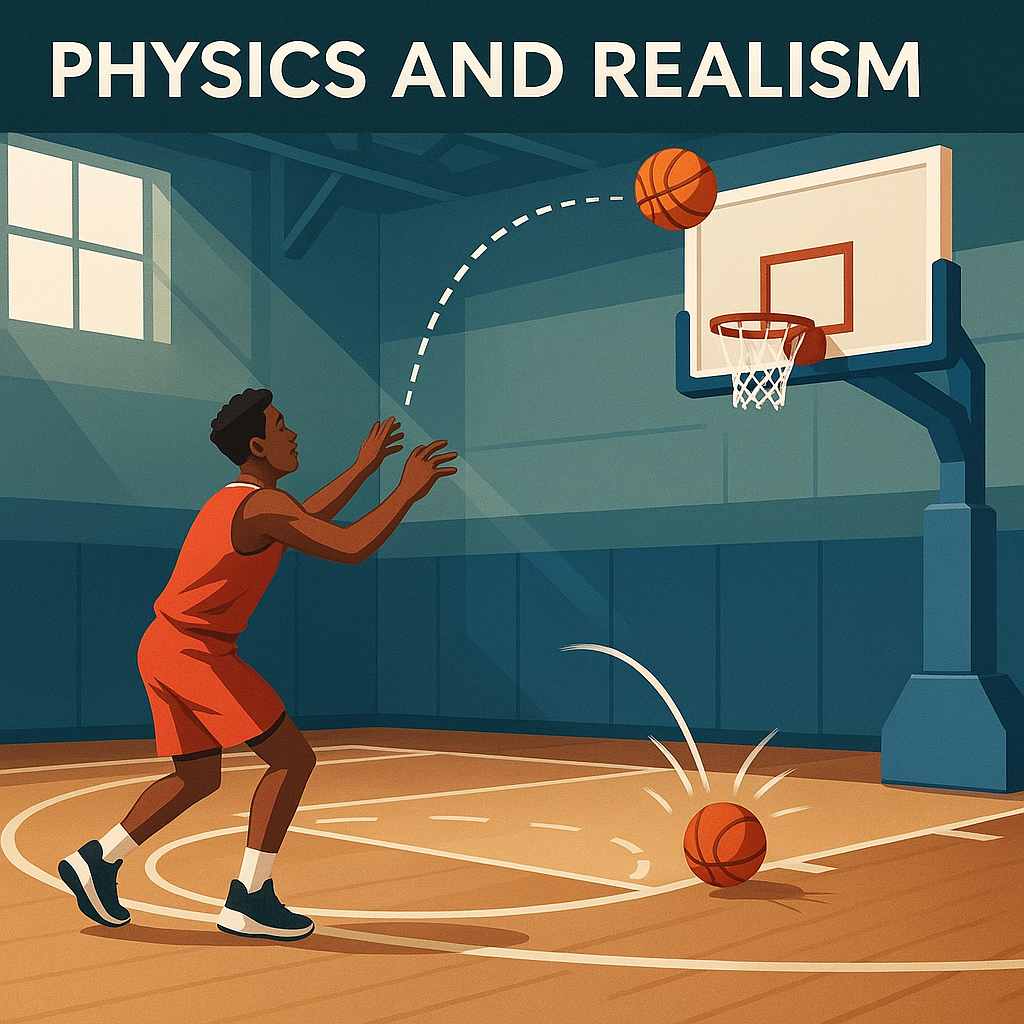
Sora 2 leans into plausible physics: balls glance and rebound, boards flex, and snow compresses underfoot. These “failure modes” (a rimmed shot, a slip then recovery) make scenes read as lived-in rather than algorithmically perfect, which helps branded content, pre-viz, and education. (OpenAI)
Multi-shot continuity and persisted “world state”
The model tracks characters, props, wardrobe, lighting, and geography across multi-shot prompts, preserving continuity from establishing to close-ups. That’s the bridge from one-off clips to story sequences with consistent identity and environment. (OpenAI)
Shot-planning tips for realism (beats, blocking, transitions)
- Block by beats: Wide (establish) → Medium (action) → Close (reaction).
- State persistence: “Same jacket as Shot 1; rainy pavement remains wet; crowd density increases.”
- Name transitions: “Match cut on handoff,” “whip-pan to reveal,” “rack focus to product.”
- Surface physics: “Gravel crunches,” “metal clang on ladder,” “fabric catches wind.” (OpenAI)
Cameos: Consent-first likeness in your videos
How Cameos work (capture, verify, permissions)
Cameos are reusable, verified versions of you (face + voice) built from a short in-app capture. You can then appear in your projects—or let approved collaborators feature you—without swapping assets and masks. Crucially, you choose the access level during setup. (OpenAI Help Center)
Who can use your cameo, and how to revoke
The permissions model is explicit (e.g., Only me, People I approve, Mutuals, Everyone). You can audit where your cameo appears, including drafts, and revoke or request removal with visibility into usage. This design centers consent and recourse, rather than open-ended likeness generation. (OpenAI Help Center)
Brand, creator, and teen-safety implications
Because public-figure depictions via text prompts are restricted and Cameos require opt-in, brands can structure cameo usage inside contracts, while teen accounts receive tighter defaults and controls in the app ecosystem. For schools and youth creators, that reduces risk around identity misuse. (OpenAI)
Safety, Provenance & Policy
Visible watermarks + C2PA metadata
Every Sora 2 output ships with visible moving watermarks and embedded C2PA credentials, making AI provenance easier to detect on platforms and in editorial pipelines. OpenAI also maintains reverse image/audio search to trace content back to Sora with high accuracy. Keep these signals intact for distribution. (OpenAI)
Content filters, reverse search, and teen protections
OpenAI stacks pre- and post-generation filters with policy checks, transcript scanning for audio, and a teen-aware experience that includes rate/scroll limits and tighter cameo rules. If you’re producing youth-facing content, align your editorial standards with these defaults. (OpenAI)
Practical compliance for teams and clients
- Leave watermarks/C2PA untouched across edits/exports.
- Use Cameos for any real-person likeness; document permissions.
- Avoid public figures unless policy pathways change.
- Store prompt briefs and releases next to final renders for audits. (OpenAI)
Availability, Access & Pricing
iOS app, invites, regions
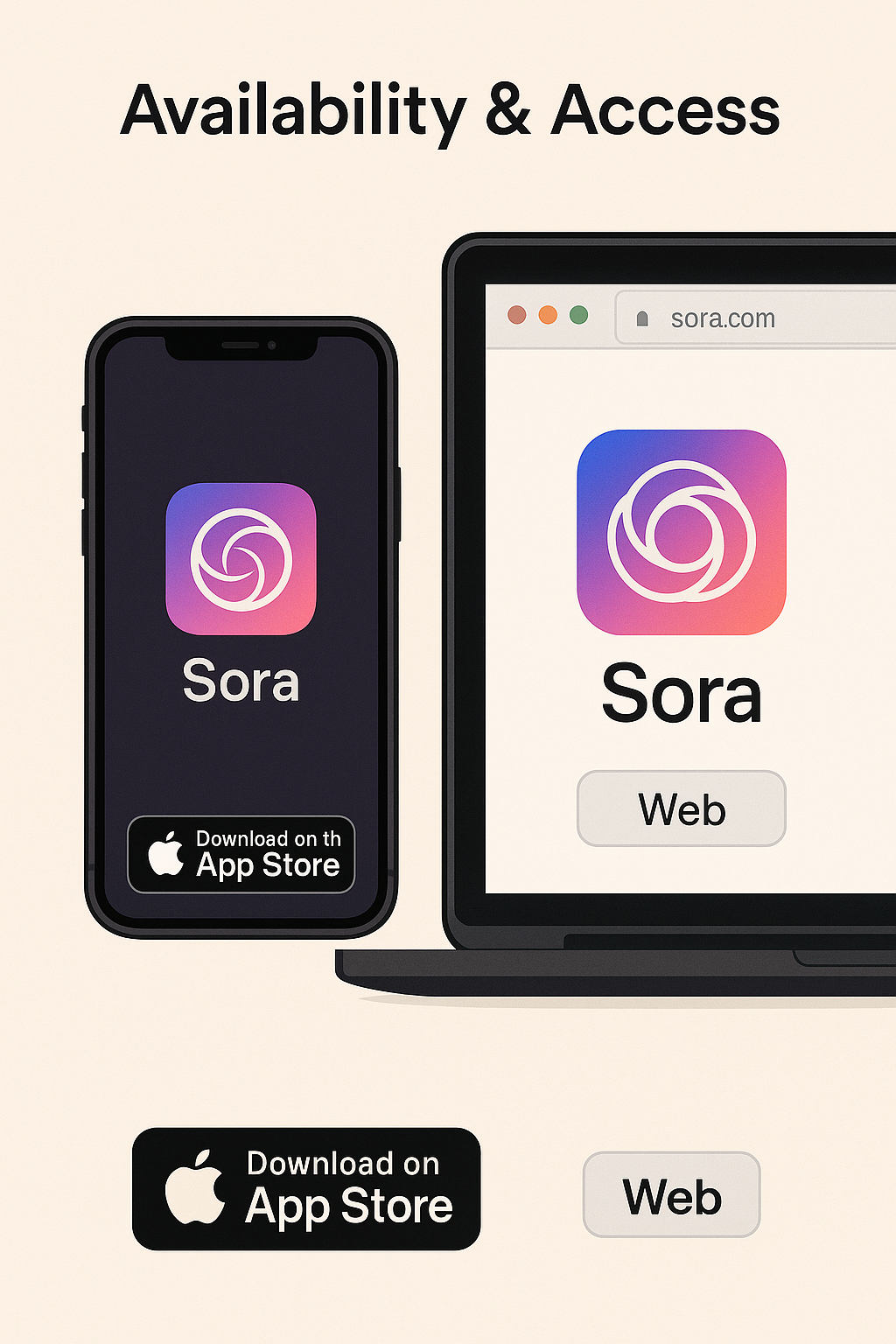
OpenAI launched a Sora iOS app with an invite-based rollout beginning in the U.S. and Canada, including a social feed and remix features designed around consent and provenance. Android has not been announced at launch. (The Verge)
Sora on the web and “Sora 2 Pro”
Invited users can also access Sora on the web; ChatGPT Pro accounts are being offered an experimental “Sora 2 Pro” model tier for higher quality on the web experience. Expect iterative expansion of features and regions. (Barron’s)
Use-Case Blueprints
Solo creators & marketers
- Prompt-to-publish speed: Native audio and better physics produce watchable first drafts that test fast on social.
- Recurring talent: Use a Cameo for your on-camera persona, then spin A/B cuts with varied tones, VO, and product angles. (OpenAI)
Educators & trainers
- Build scenario training or explainers with consistent characters and synchronized narration; continuity across shots keeps lessons cohesive. (OpenAI)
Agencies & studios (pre-viz/storyboards)
- Use multi-shot prompts to lock geography, blocking, and prop continuity before a live shoot; you’ll get faster client alignment on tone and pacing. (OpenAI)
Prompting Playbook
Physics-aware phrasing
Name forces, surfaces, and outcomes:
“The basketball glances off the backboard and rebounds; the paddleboard flexes under weight; snow compresses under boots.” This wording nudges the model to honor constraints. (OpenAI)
Multi-shot scripting blocks
Write beats like a shot list:
“WIDE: drone pass over fjord → MED: hero slips, recovers → CU: breath fogs in cold air.”
Call persisted state—wardrobe, weather residue, prop positions—to maintain continuity. (OpenAI)
Audio direction that actually guides the model
Add a mix note to every prompt: “close-miked dialogue; distant surf; gulls faint; no score.” Specify what not to include (e.g., “no reverb,” “no crowd”). (OpenAI Help Center)
Workflow: From prompt to publish
Installing, capturing a cameo, writing a 3-beat prompt
- Install Sora (iOS) and request access. Once invited, creation unlocks in-app; invited accounts can also sign in on the web.
- Create your Cameo: record a short capture, verify, and set permissions (Only me → Everyone).
- Write a 3-beat prompt: Establishing → Action → Reaction. State identity locks (“use my cameo as host, same jacket as Shot 1”) and audio intentions. (OpenAI)
Exporting with provenance intact
Publish with watermarks and C2PA metadata preserved; this helps platforms and partners verify origin and aligns with editorial best practices. (OpenAI)
Sora 2 vs. Alternatives
Where Sora 2 stands out right now
- Synchronized audio eliminates a whole post-production step for short-form and explainers.
- Better physics and world continuity reduce jarring artifacts.
- Consent-driven Cameos solve the wild-west problem of likeness use. (OpenAI)
When you still want a traditional editor or 3D tool
If you need precise frame-level edits, complex simulations, or composited VFX across many layers, you’ll still roundtrip to NLEs and DCCs. Sora 2’s sweet spot today is concepting → watchable cut, not end-to-end post for every deliverable. (Inference from current capability descriptions.) (OpenAI)
Future Outlook
OpenAI is rolling out deliberately—iOS first, U.S./Canada invites, web access for invitees—and has signaled API ambitions. Expect Pro features to iterate, regional access to expand, and safety tooling to deepen as usage scales. (OpenAI)
Conclusion
Sora 2 compresses the distance between idea and watchable story. With native audio, more believable physics, multi-shot coherence, and Cameos for consent-first identity, you can move from prompt to publish with fewer external steps—while watermarks and C2PA make your pipeline safer and more transparent. Whether you’re a creator, educator, or studio, Sora 2 is a practical leap toward co-creative, world-aware video at the speed of your ideas. (OpenAI)
FAQs
Is Sora available on Android?
Not at launch. The app began on iOS with invite-based access, plus web access for invited accounts. Android hadn’t been announced at the initial rollout.
What is a Cameo—and can other people use mine?
A Cameo is your verified face/voice capture for re-use in Sora videos. You control who can use it (Only me / People I approve / Mutuals / Everyone) and can revoke access or request removal later. (OpenAI Help Center)
Are Sora 2 videos labeled as AI?
Yes. Outputs include visible watermarks and embedded C2PA metadata, and OpenAI operates internal reverse image/audio search to trace provenance. (OpenAI)
How does Sora 2 differ from earlier video models?
It pairs synchronized audio with enhanced physical realism and multi-shot continuity, enabling more story-driven results without external sound design. (OpenAI)
What is “Sora 2 Pro,” and who gets it?
OpenAI has highlighted a higher-quality Sora 2 Pro accessible to ChatGPT Pro users on the web, with mobile tie-ins expected to follow as rollout expands.